
The Editorial Team is a collective of technology enthusiasts, computer network engineers, and industry professionals dedicated to creating meticulously curated content for a diverse readership. With a combined experience spanning several decades, our team distills complex technology topics into clear, informative articles. Whether it’s networking fundamentals, cutting-edge AI insights, or in-depth guides on blockchain technology, the Editorial Team strives to provide reliable information that advances the understanding of technology for everyone from students to seasoned professionals.

Editorial Team’s mission
The Editorial Team’s mission extends beyond mere reporting; we aim to be the architects of understanding, constructing bridges over the rivers of jargon and complexity. From the foundational bricks of networking to the ever-evolving skies of cloud computing, we guide you through the technological labyrinth.
We take pride in our meticulous attention to detail and our unwavering commitment to accuracy, ensuring that each piece of information is a thread in the vast tapestry of technological knowledge. As we chart the course through the evolving landscape of technology, we invite our readers to join us on this exhilarating journey of discovery and growth. Together, we not only explore the current terrain of technology but also anticipate the horizons of tomorrow’s innovations.
Our Latest Articles
-

MAPI: Mastering the Messaging Application Programming Interface
In this comprehensive guide, we will unravel the complexities of MAPI, exploring its structure, functionality, and pivotal role in the world of electronic messaging. From basic concepts to advanced implementation, this article promises to equip you with an in-depth understanding of MAPI and its applications in real-world scenarios.
-

Microsoft Exchange Server
Definition of Microsoft Exchange Server in the Network Encyclopedia. What is Microsoft Exchange Server? Exchange Server is Microsoft’s client/server messaging system for Windows Server family. Exchange Server supports all key industry messaging standards, including the following: X.400 Internet standards (SMTP, POP3, IMAP4, LDAP, HTTP, NNTP, SSL, MIME, and S/MIME) Messaging Application Programming Interface (MAPI) Exchange…
-
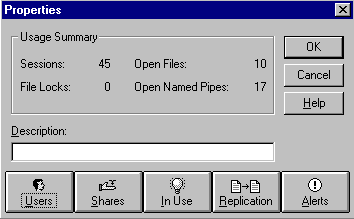
Directory Replication in Windows NT
Directory Replication (in Windows NT) is the replication of a tree of folders from one server to another using the Directory Replicator Service. You can use directory replication to create and manage identical directory structures on different Microsoft Windows NT servers and workstations.
-
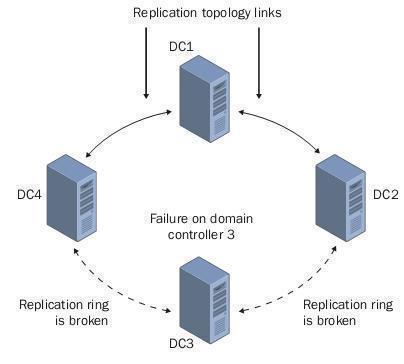
Directory Replication
Directory Replication is the process of replicating updates to Active Directory on different domain controllers in the network. Directory replication ensures that users have access to resources on the network by ensuring that information about users, groups, computers, file shares, printers, and other directory objects is current on all domain controllers in the network.
-
Network Access Server (NAS)
Network Access Servers
-
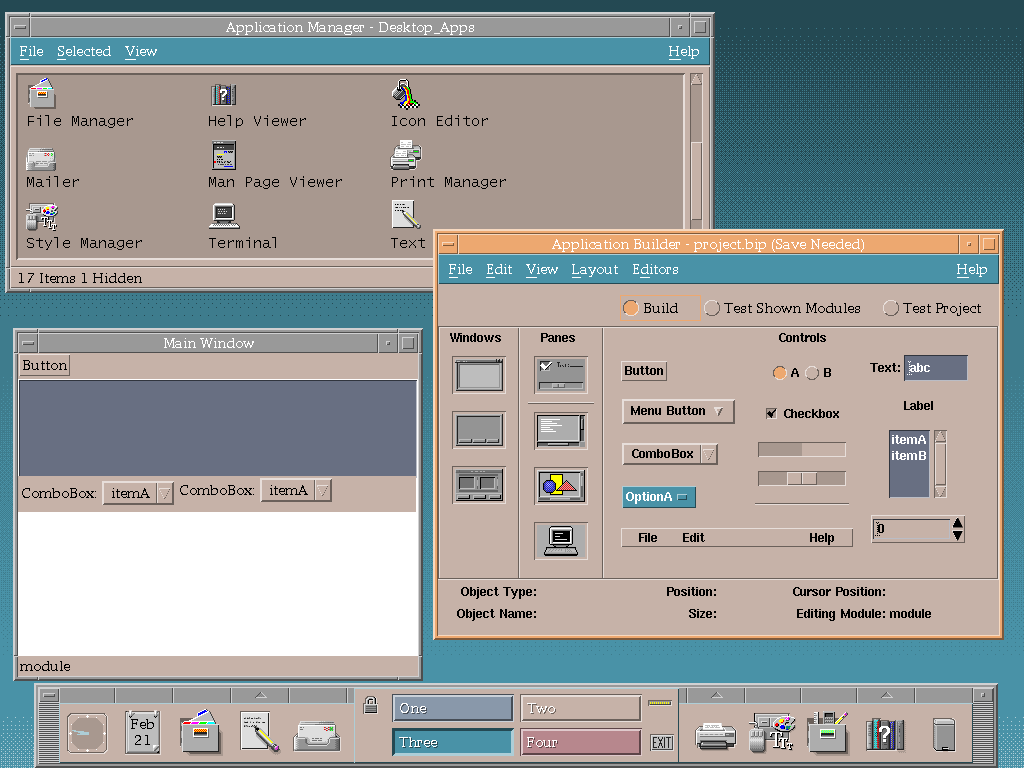
Common Desktop Environment (CDE): A Retrospective
Explore the legacy of the Common Desktop Environment (CDE) – the once-dominant GUI paradigm for UNIX systems, examining its impact and historical significance.
-
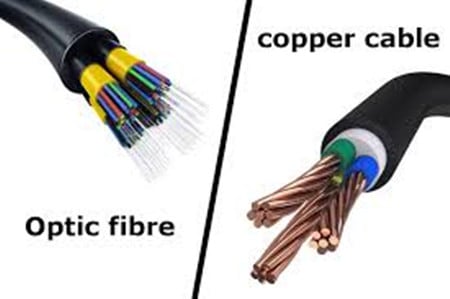
CDDI: A Guide to Copper Distributed Data Interface
Get an in-depth look at Copper Distributed Data Interface (CDDI), a cost-effective alternative to FDDI. Discover its technical underpinnings, comparative analysis with FDDI, and why it has lost ground in today’s network landscape.
-
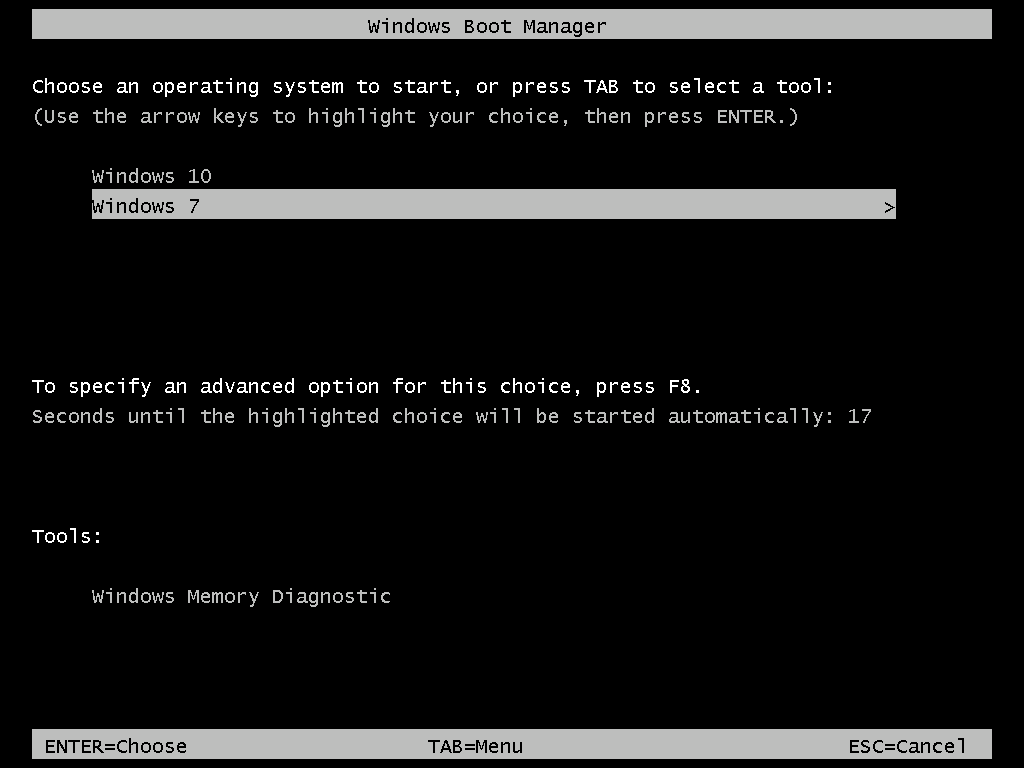
Dual Boot
Dual Boot is a computer that can boot one of several operating systems by means of a startup menu. You can have multiple operating systems installed on a single PC. Having two operating systems installed – and choosing between them at boot time – is known as “dual-boot.”
-

Cold Boot
Explore the concept of a cold boot in computing. Understand its process, importance, and differences from a warm boot. Essential for tech enthusiasts.
-
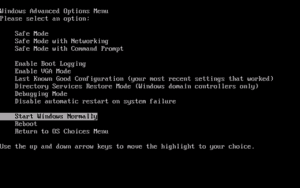
Boot Loader Menu: Navigating its Evolution
Uncover the journey of the Boot Loader Menu, a pivotal component in Windows operating systems, and its evolution from Windows NT to contemporary versions.
-

Understanding the Boot Process in Computers: From Power On to OS Loading
Explore the intricacies of the computer boot process, from BIOS roles to troubleshooting common boot issues.
-
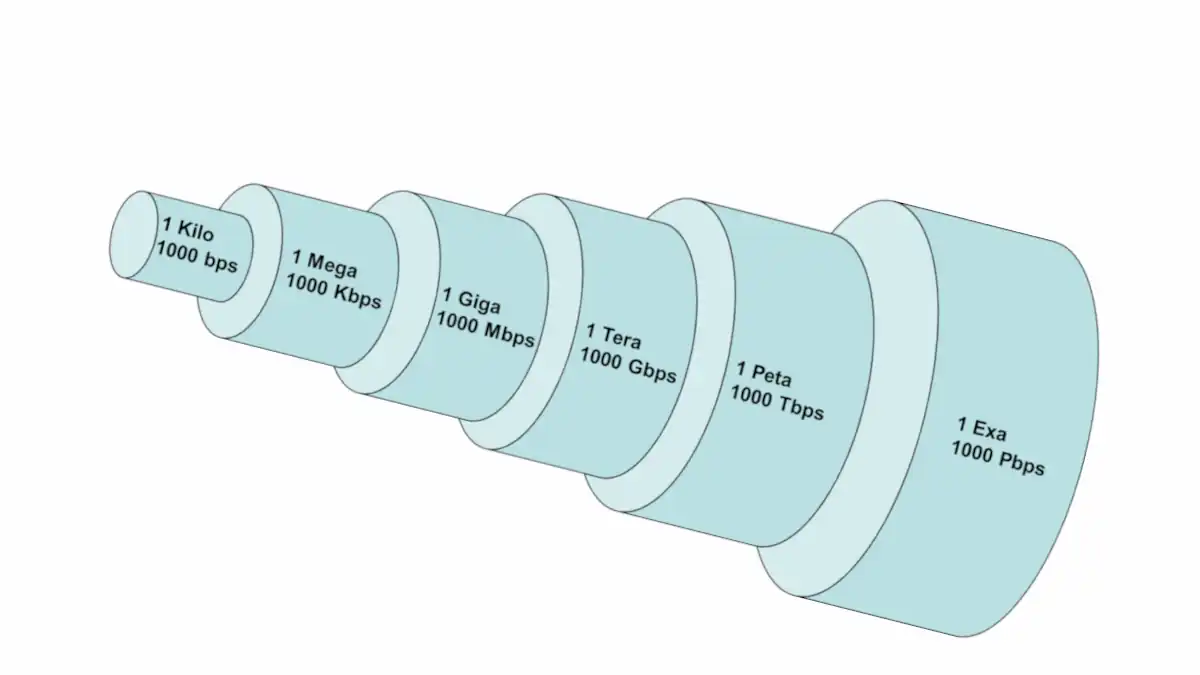
Bandwidth Explained!
In general, Bandwidth is the difference between the highest and lowest frequencies in a given range of frequencies for an analog signal. For example, if the lowest and highest frequencies a telephone line can carry are 300 Hz and 3300 Hz, the telephone line can accommodate a bandwidth of 3300 – 300 = 3000 Hz,…