
The Editorial Team is a collective of technology enthusiasts, computer network engineers, and industry professionals dedicated to creating meticulously curated content for a diverse readership. With a combined experience spanning several decades, our team distills complex technology topics into clear, informative articles. Whether it’s networking fundamentals, cutting-edge AI insights, or in-depth guides on blockchain technology, the Editorial Team strives to provide reliable information that advances the understanding of technology for everyone from students to seasoned professionals.

Editorial Team’s mission
The Editorial Team’s mission extends beyond mere reporting; we aim to be the architects of understanding, constructing bridges over the rivers of jargon and complexity. From the foundational bricks of networking to the ever-evolving skies of cloud computing, we guide you through the technological labyrinth.
We take pride in our meticulous attention to detail and our unwavering commitment to accuracy, ensuring that each piece of information is a thread in the vast tapestry of technological knowledge. As we chart the course through the evolving landscape of technology, we invite our readers to join us on this exhilarating journey of discovery and growth. Together, we not only explore the current terrain of technology but also anticipate the horizons of tomorrow’s innovations.
Our Latest Articles
-

Physical Medium Dependent (PMD)
Physical Medium Dependent, also known as PMD, defines the details of transmission and reception of individual bits on a physical medium.
-
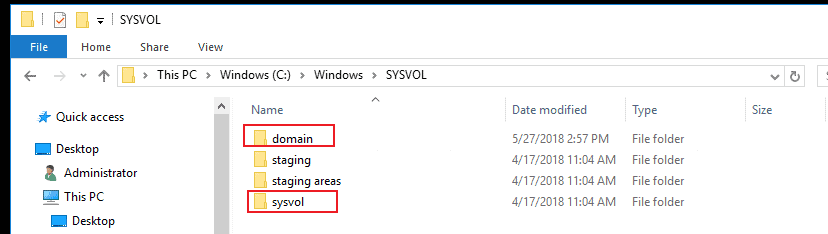
SYSVOL Share in Active Directory: A Comprehensive Guide
Dive into the essentials of SYSVOL Share in Active Directory, exploring its functions, structure, and importance in Windows domain environments.
-

Password Authentication Protocol (PAP)
In this article, we will unravel the layers of Password Authentication Protocol (PAP), exploring its operations, advantages, and its place in the ever-evolving landscape of network security protocols.
-

URL switching
In today’s digital era, where the traffic of information surges like never before, the efficient management of web content is not just an advantage; it’s a necessity. Enter URL Switching—a technology that has cemented its relevance in the labyrinthine world of HTTP-based web services. Operating at Layer 7 of the OSI model, it allows for…
-
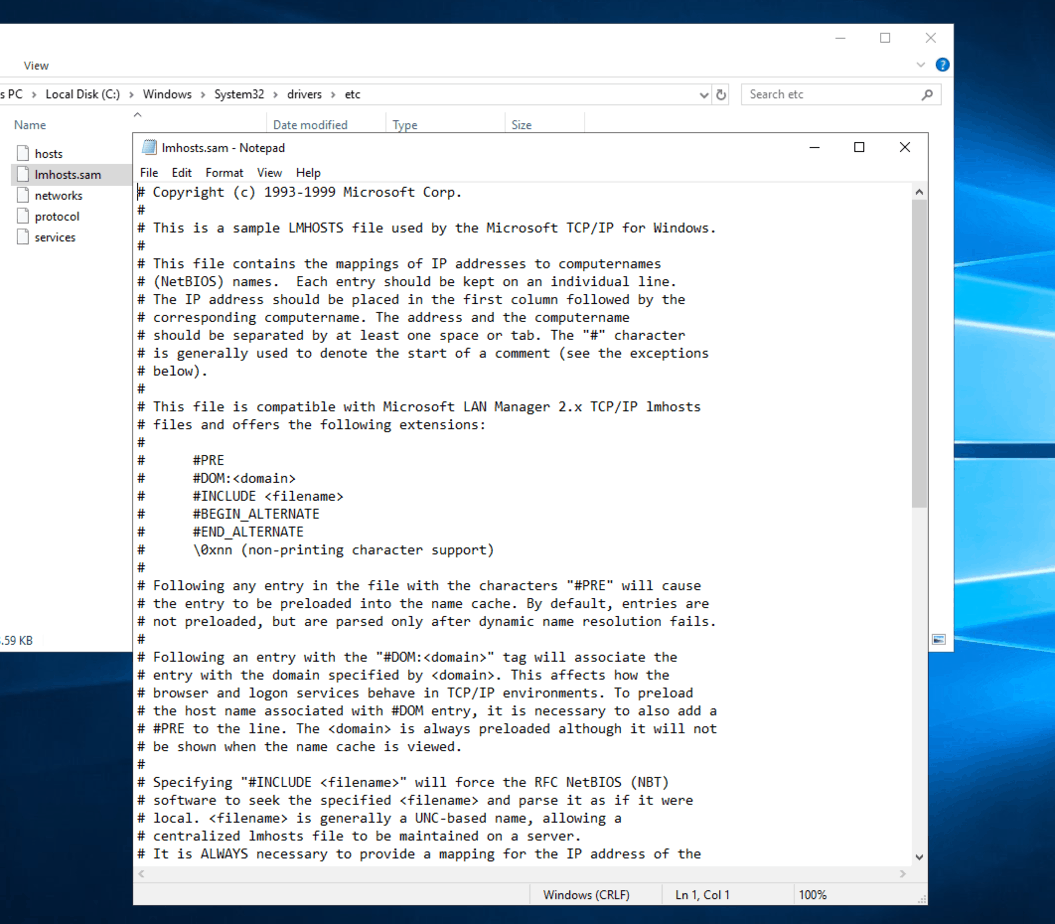
LMHOSTS file (Windows OS)
What is Lmhosts? What is it for? LMHOSTS is an ASCII file used to enable Domain Name Resolution under Windows Operating Systems when other methods, such as WINS, fail. Lmhosts stands for LAN (Local Area Network) Manager Hosts. After installing Windows, a file called Lmhosts.sam is created in C:\Windows\system32\drivers\etc. This file is just a sample…
-
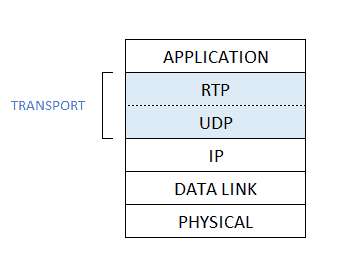
Real-time Transport Protocol (RTP)
The Real-time Transport Protocol (RTP) is a network protocol that provides end-to-end network transport functions suitable for applications transmitting real-time data, such as audio, video, or simulation data, over multicast or unicast network services. In this article: RTP Basics Real-time Transport Protocol (RTP) runs on top of UDP. Specifically, audio or video chunks of data,…
-
Understanding %systemroot% in Windows: A Comprehensive Guide
SystemRoot is the directory where the core of Microsoft Windows operating systems files are stored.
-
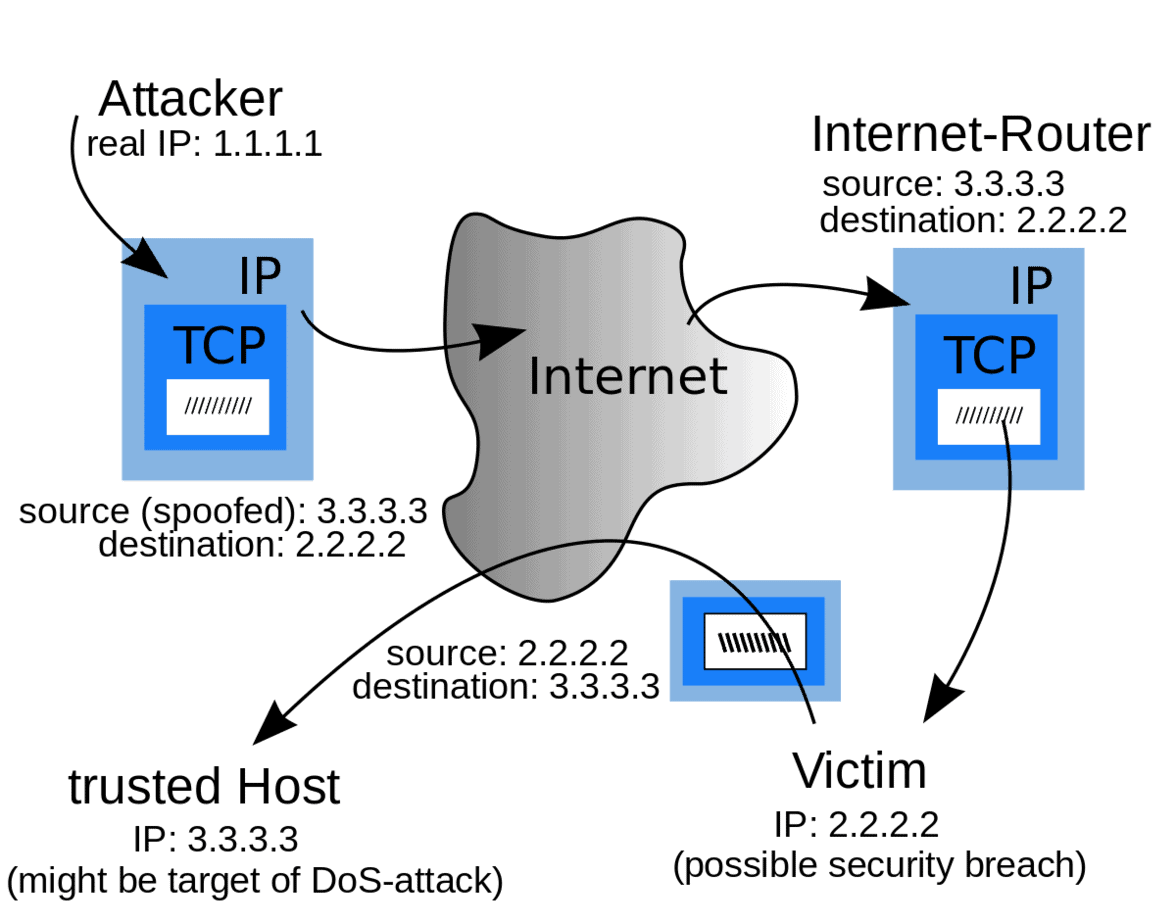
What is an IP Spoofing Attack?
IP spoofing is a technique used to gain unauthorized access to computer systems or networks by disguising the source IP address of a packet. This goal is accomplished by altering the source addresses of packets, making them appear as though they came from a trusted user within the network, rather than from a distrusted outside…
-
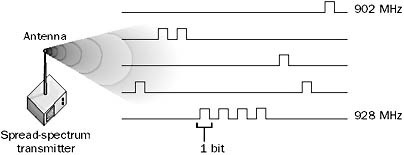
Frequency-hopping spread spectrum
FHSS is a spread-spectrum transmission technology for wireless networking. Spread-spectrum wireless technologies trade throughput for increased reliability, and were originally developed by the U.S. military to provide communication that could not easily be jammed. How it works This method transmit radio signals rapidly changing the carrier frequency among many distinct frequencies occupying a large spectral…
-

Environment Variables: Unveiling the Hidden Power in Windows
In this article, we’ll dive deep into the world of Environment Variables, exploring their types, purposes, and the vital role they play in the smooth running of Windows OS.
-

Understanding the autochk.exe file
Uncover the essentials of Autochk in Windows: Learn how this key utility maintains system integrity, how to use it, and manage its settings for optimal performance.
-

How to automatically login into Windows Operating Systems?
Do you know that is possible to configure your computer to start immediately, without the need to input a username and password? This article describes how to configure Windows to automate the login process by storing your password and other pertinent information in the registry database. But be careful and be noticed, by using this…