
Our Latest Articles
-
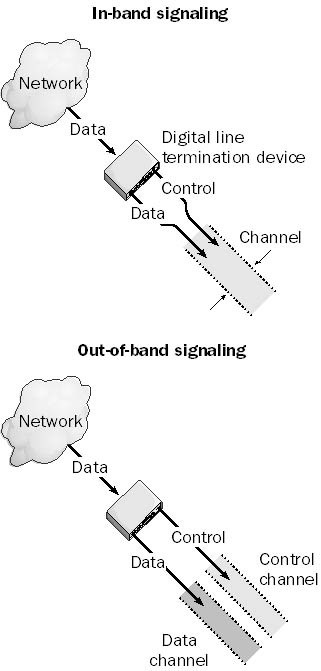
In-Band Signaling
Explore the updated intricacies of In-Band Signaling, its relevance in modern networking, and how it contrasts with Out-of-Band Signaling.
-
Out-of-Band Signaling: Separating Control from Data
Out-of-band signaling is any transmission technology in which signaling is separate from the data being transmitted. Out-of-band signaling uses one or more channels for transmitting data or voice information and one special out-of-band channel for performing signaling functions such as establishing and terminating the communication link, controlling flow, or transmitting error information. In this article:…
-
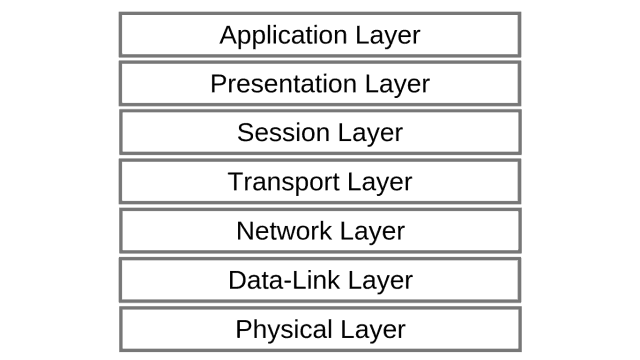
Network Protocol
Network Protocol is a protocol that operates at the network layer (layer 3) of the Open Systems Interconnection (OSI) reference model for networking.
-
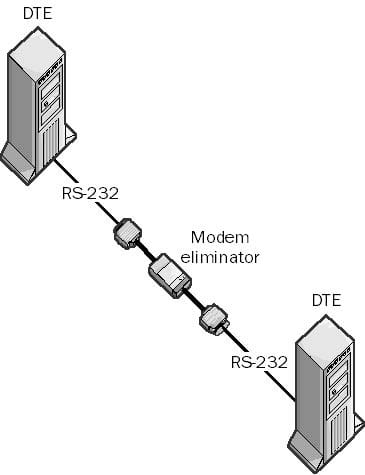
Modem Eliminator
Explore the legacy world of Modem Eliminators, the devices that made connecting two pieces of Data Terminal Equipment (DTE) hassle-free by providing timing and handshaking for synchronous transmissions.
-
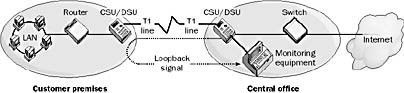
Loopback
Loopback is a testing procedure in telecommunications in which a test signal is sent from a service provider’s central office (CO) to the customer premises and is returned or echoed by the customer premises equipment (CPE) back to the service provider. Loopback tests are used to check line integrity and the proper functioning of customer…
-

Understanding the Loopback Address
A loopback address, in computer networking, is a virtual network interface primarily used for testing and network diagnostics. Technically, it refers to an IP address that routes the data back to the same device, bypassing external physical network interfaces.
-
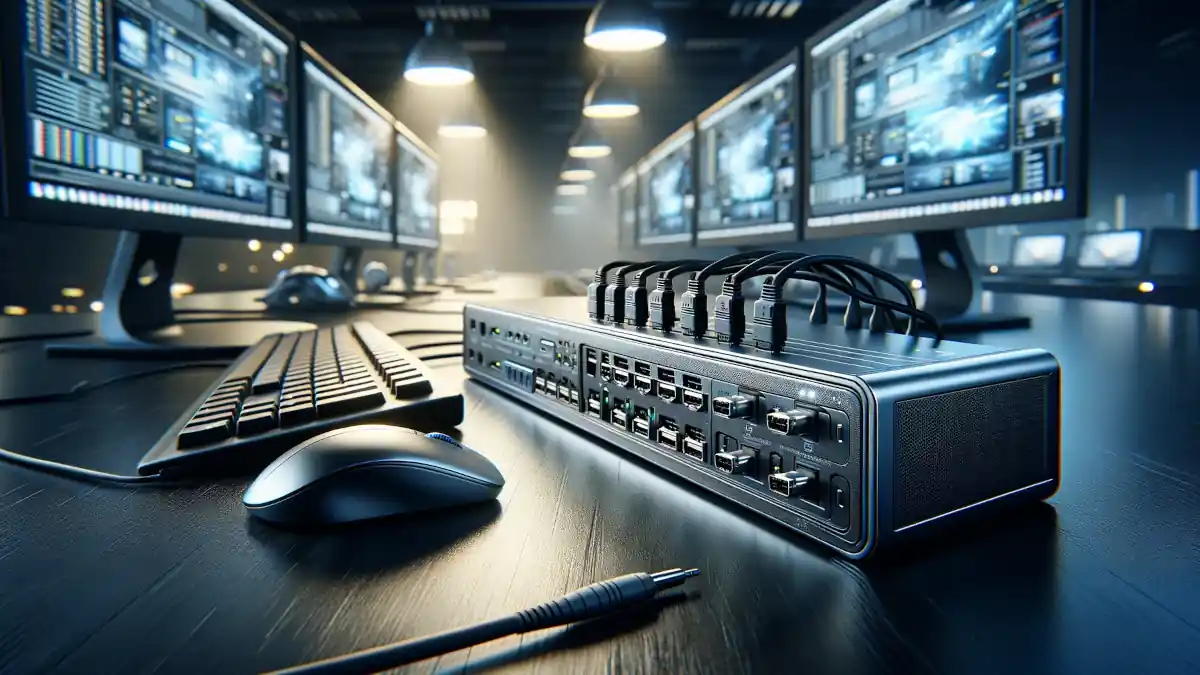
KVM Switch: Maximizing Workspace
This article is going to demystify the KVM Switch, explaining its functionality, types, benefits, and usage scenarios, making it an indispensable resource for anyone looking to enhance their multi-computer experience.
-
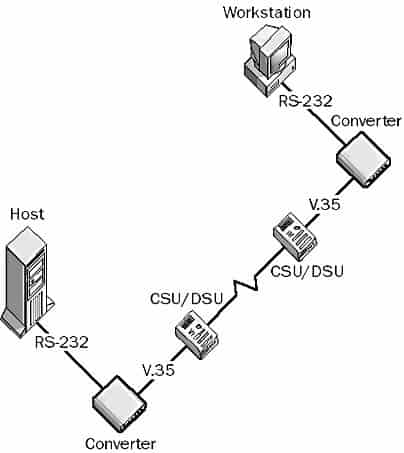
Interface Converter
Interface Converter is any device that converts one hardware interface to another. These devices are generally stand-alone, powered devices for midline use or rack-mounted devices for use in wiring closets. There are interface converters for serial and parallel interfaces, asynchronous and synchronous communication, half-duplex and full-duplex communication, single-node and host converters, copper and fiber-optic converters,…
-

FTP Utility
FTP utility is a TCP/IP utility for copying files to and from remote hosts on machines running Microsoft Windows family operating systems. The remote host must be running the FTP service and authenticate the client before the client can transfer files. The FTP utility provides a command-line interface only for uploading and downloading files to…
-
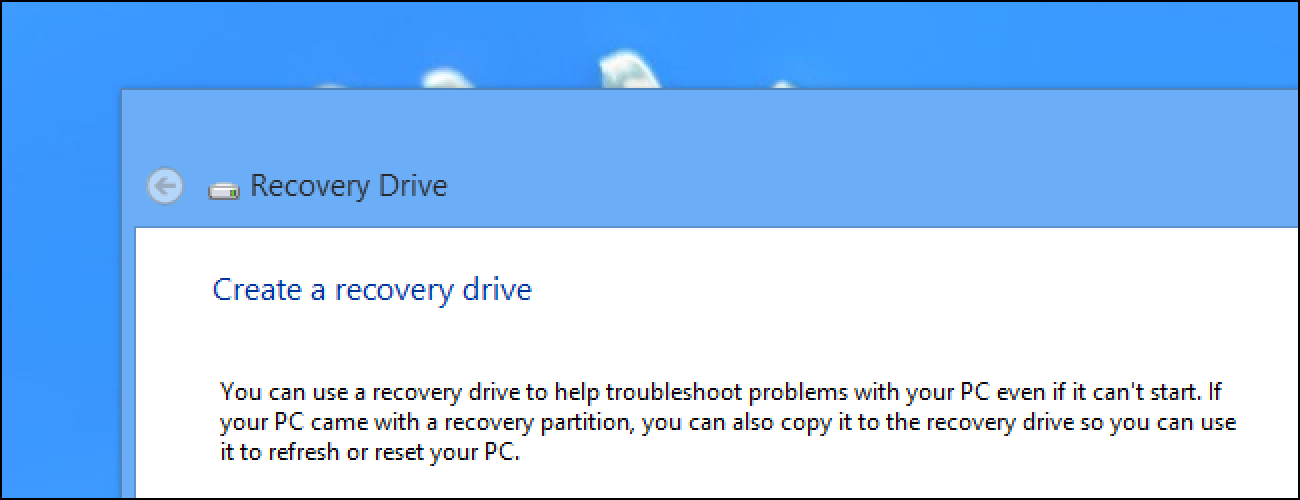
Emergency Repair Disk (ERD)
ERD or Emergency Repair Disk is a recovery tool for repairing missing or corrupt files or restoring the registry on a Microsoft Windows system. Having a current copy of the emergency repair disk for each server on your network is an important part of preparing for disaster recovery. In Windows 7, 8.1 and Windows 10…
-
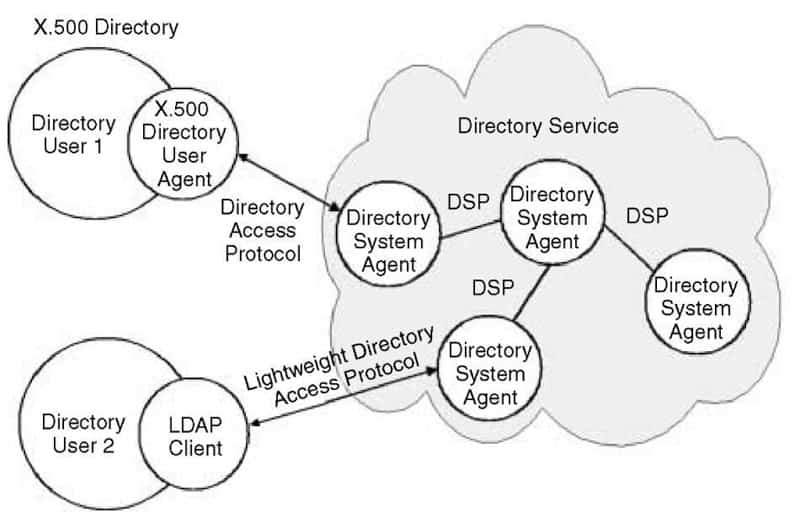
Directory Service
Directory Service is a tool for locating, managing, and organizing network resources, which can include volumes, folders, files, printers, users, groups, and other objects. A directory service is a core component of a network operating system (NOS) and functions much like the yellow pages of a phone book. For example, if you look up “printers,”…
-
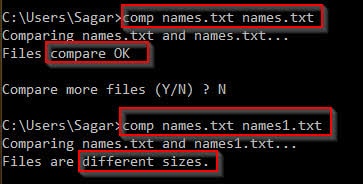
Comp Command
Comp Command is a Microsoft Windows command for performing a bytewise comparison of the contents of different files. The comp command is typically used for byte-by-byte comparison of text files, or for a comparison of the contents of two directories. Comp Command examples To compare C:\file1.txt and C:\file2.txt and show the differences between them as…